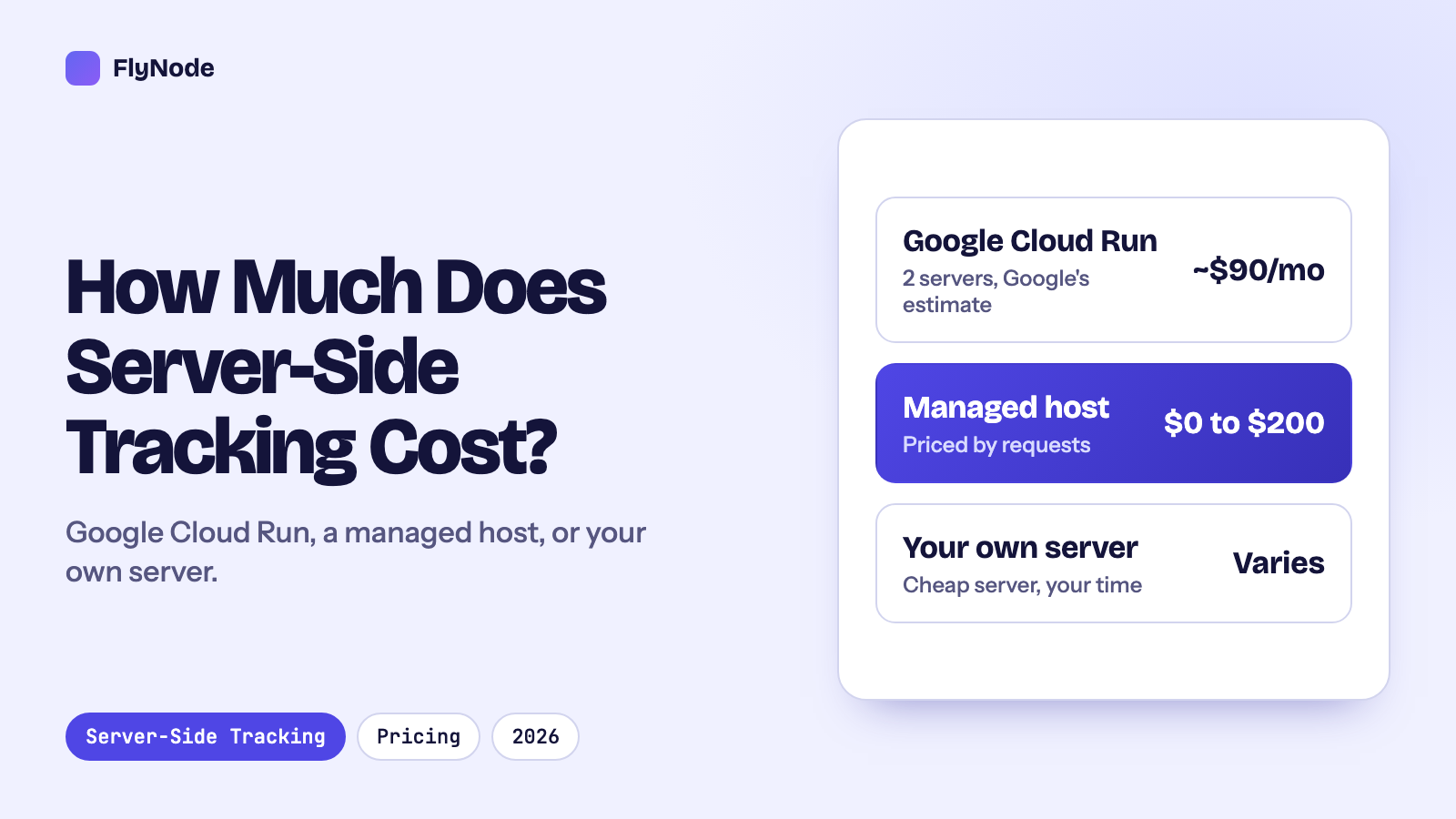
The short answer: Server-side tracking costs whatever it costs to run the server your tags go through. Google Tag Manager itself is free. A managed host charges by how many requests reach that server: on FlyNode that is free for 15,000 requests a month, then $15 for 500,000, $45 for 2 million and $75 for 5 million. Stape lists $20, $100 and $200 for 500,000, 5 million and 20 million. Running it yourself on Google Cloud Run costs about $45 a month per server by Google's own estimate, and Google recommends at least two, so expect roughly $90 a month before logging and your own time. The number that decides your bill is your monthly request count.
Most pages about this question are written by someone who sells one of the options, and this one is no different: FlyNode hosts server containers. So we have kept to numbers you can check. Every price below comes from the provider's own page, read in October 2026, with links at the end. Where we could not find a firm number, we say so instead of guessing.
What you are actually paying for
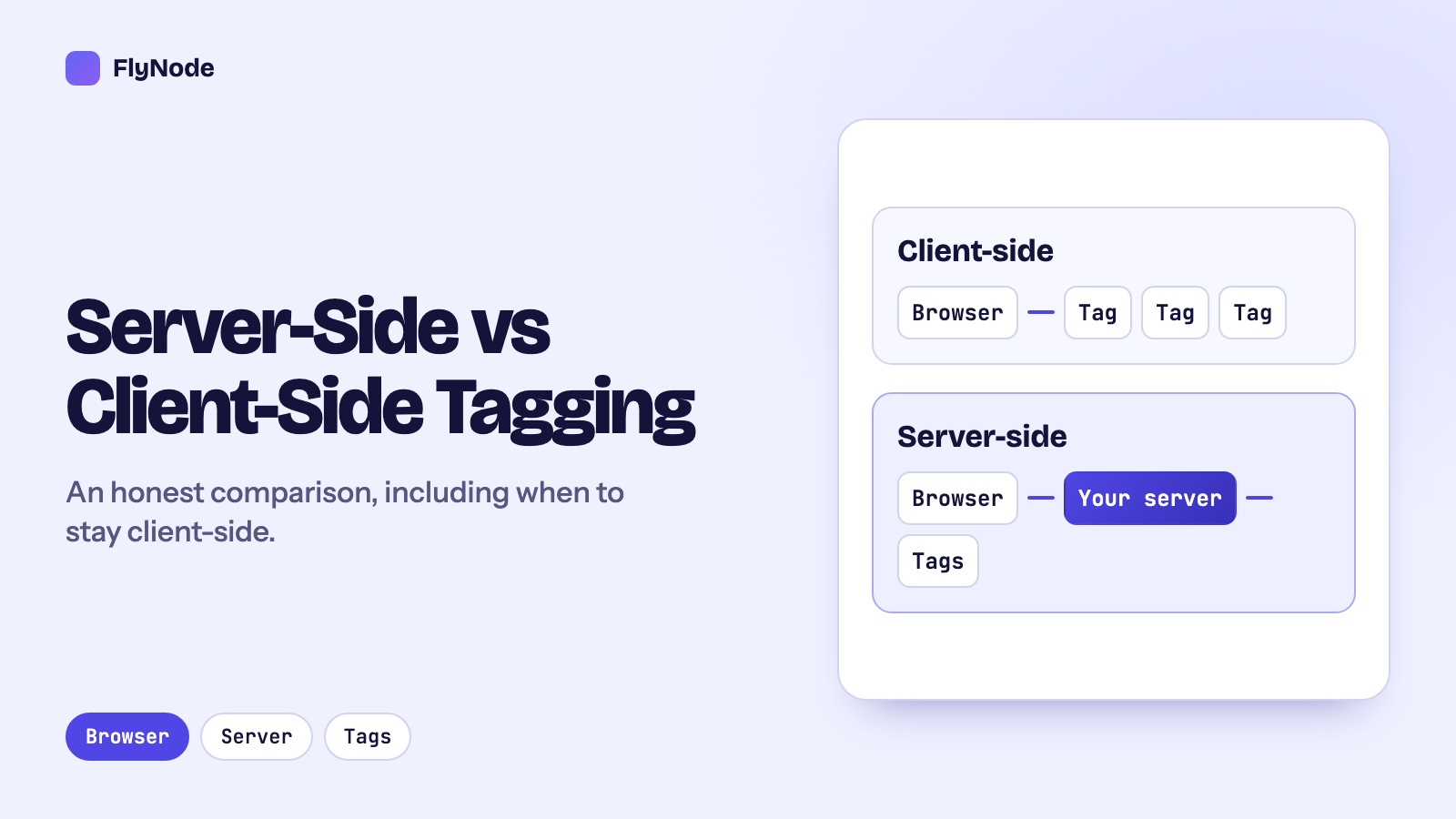
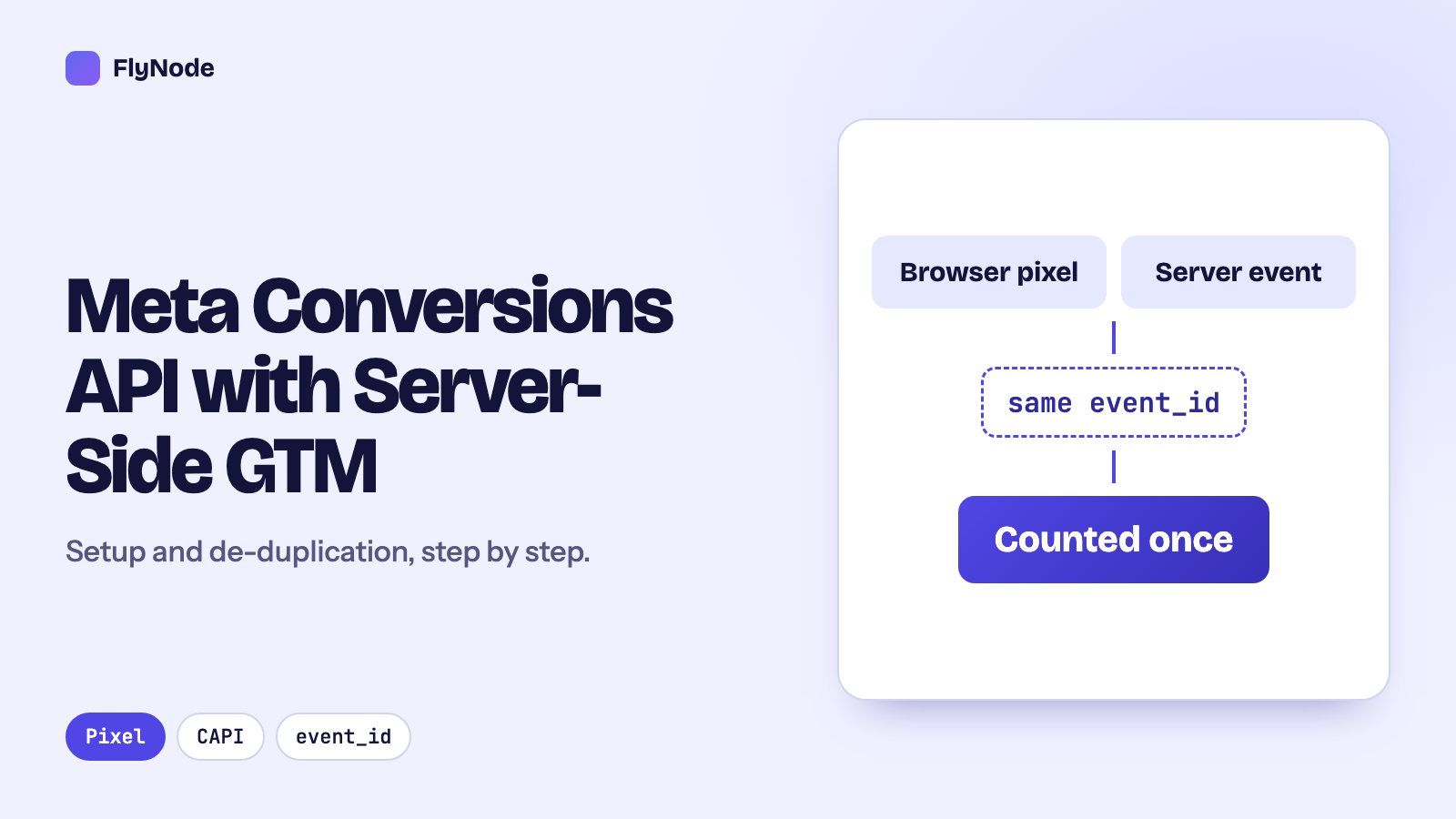
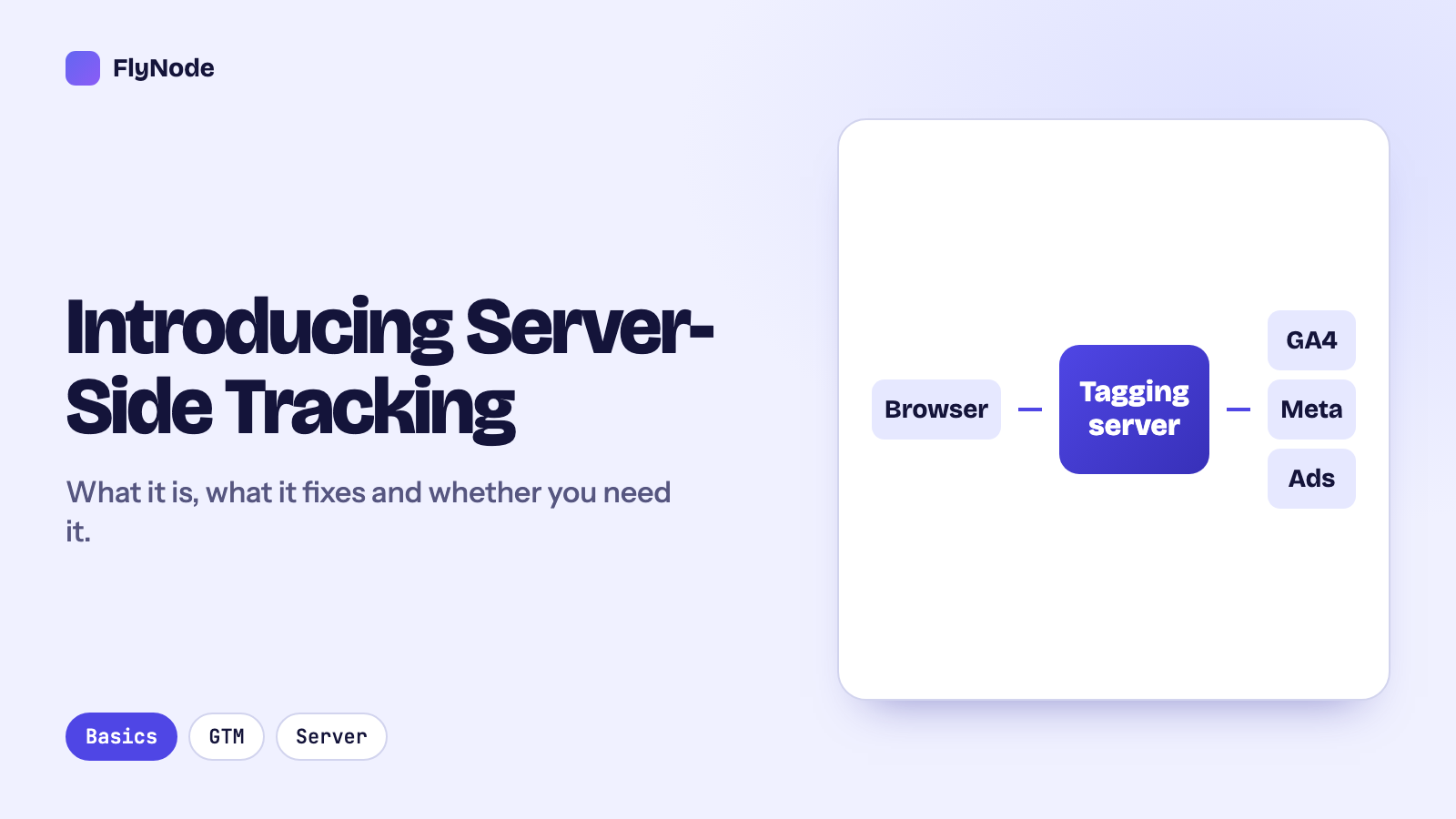
With server-side tracking, your website sends its events to a server you control (the "server container" in Google Tag Manager), and that server passes them on to GA4, Meta, TikTok and the rest. The tag manager software is free. What costs money is the machine that runs the container, around the clock, on your own subdomain with an SSL certificate.
There are three ways to get that machine:
- Google Cloud (Cloud Run or App Engine), set up in your own Google Cloud project.
- A managed host such as FlyNode or Stape, where you connect Google Tag Manager or paste your container config, and they run it.
- Your own server, a VPS where you install and look after Google's container image yourself.
They differ less in the price of the server than in who does the work around it: the domain, SSL, scaling, updates and logs.
Option 1: Google Cloud Run
Google's setup guide for Cloud Run describes a server as one Cloud Run instance with 1 vCPU and 0.5 GB of memory, billed with CPU always allocated. In its own words, "each server costs approximately $45 /month (USD)". The same guide recommends running at least two instances so that one outage does not lose data.
So a production setup that follows Google's advice starts at roughly $90 a month. On top of that come:
- a preview server, which the debug mode in Tag Manager needs,
- logging, if you keep request logs in Google Cloud,
- any extra instances Cloud Run starts at busy times. Google notes that your maximum instance setting is the worst case for what you pay,
- the time to set up the project, map your domain, manage the certificate and keep an eye on it.
Cloud Run makes sense when you already live in Google Cloud, need the container inside your own account for compliance, or run very high volume with engineers who can tune it. For a single shop or a small agency, the fixed floor of two always-on instances is the part that hurts.
Option 2: a managed host
Managed hosts sell plans by monthly requests. You pay one flat price, and the domain, SSL and server work are included. Here are the list prices at the same request levels, as shown on each company's pricing page in October 2026:
| Requests a month | FlyNode | Stape |
|---|---|---|
| Free tier | 15,000 per container, $0 | 10,000, $0 |
| 500,000 | $15 (Pro) | $20 (Pro) |
| 2,000,000 | $45 (Business) | No 2M tier; next is $100 for 5M |
| 5,000,000 | $75 (Enterprise) | $100 (Business) |
| 20,000,000 | Talk to us | $200 (Enterprise) |
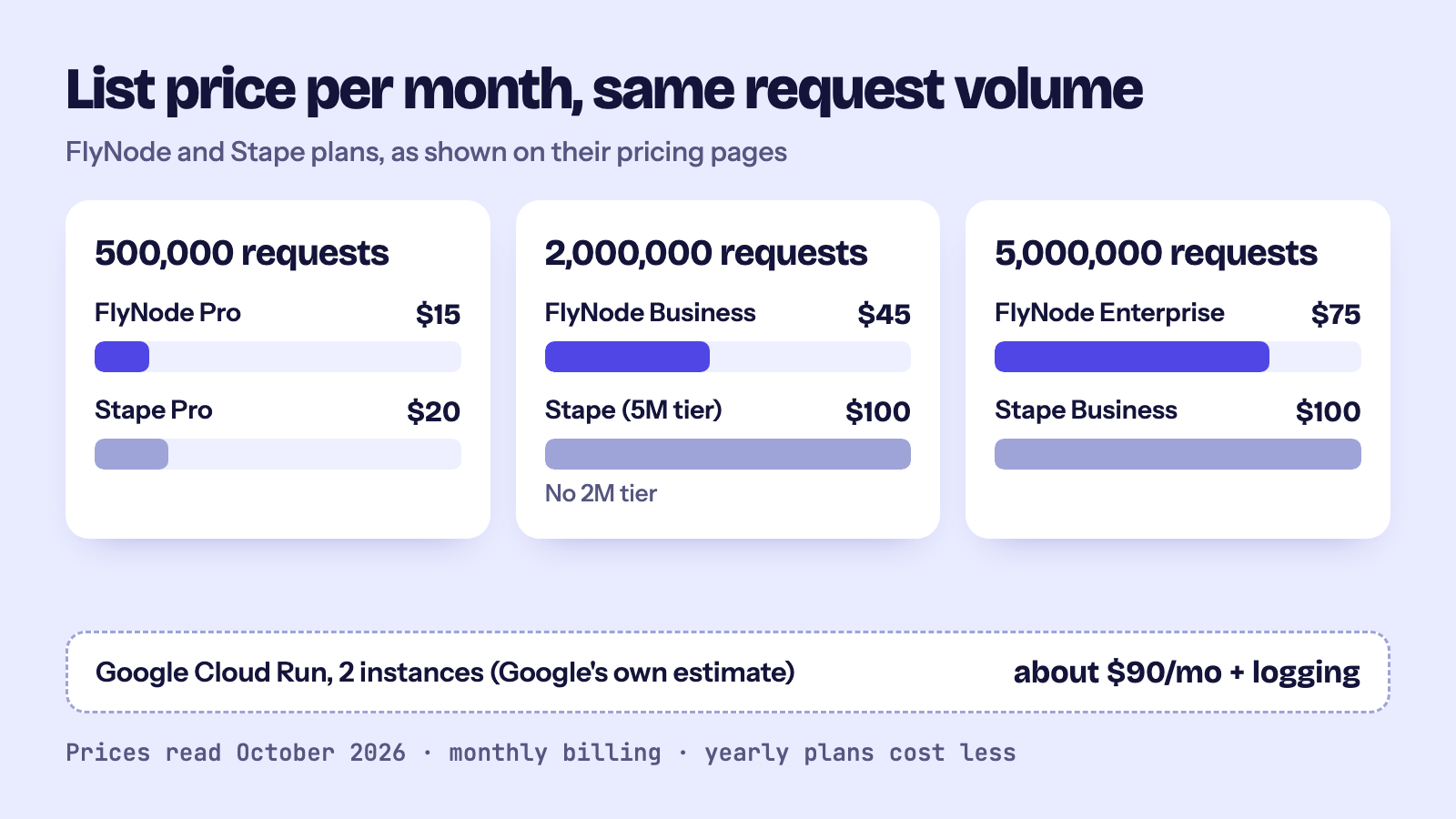
Both discount yearly billing. FlyNode's yearly plans cost ten months' worth ($150, $450 and $750 a year), and Stape shows lower monthly rates when billed yearly. Prices change, so check both pages before you decide. Our FlyNode vs Stape comparison goes through domains, cookie settings and log retention as well.
Where a managed host is the weaker choice: if you run more than 5 million requests a month, Stape lists bigger standard tiers than FlyNode does. If you manage dozens of client domains, look closely at how many each plan allows.
Option 3: your own server
You can run Google's server container image on any VPS. The server itself can be cheap. Everything else is yours: HTTPS for your tracking subdomain, restarts, updates when Google ships a new image, a separate preview server, logs, and noticing when it goes down at 2 a.m. while your ads keep spending.
We are not going to put a number on this one, because it depends almost entirely on what your time is worth. It is a good fit if you already run servers and enjoy it. If tracking is something you want to stop thinking about, it usually ends up the most expensive option.
How to estimate your request count
With a managed host, your bill follows requests, so this is the number to get right. A request is one call that reaches your tagging server. On FlyNode we count them at the proxy in front of your container, so every call counts, whatever it is for. Calls your server makes onward to Meta, GA4 or TikTok are not counted: only what comes in.
What usually reaches the server:
- Event hits from the browser. Each GA4 event your site sends to the server (page views, add to cart, purchase and so on) is a request. GA4 sometimes groups several events into one request, so counting events tends to overestimate a little.
- The script itself, if you serve
gtm.jsorgtag.jsthrough your server with a custom loader. That adds roughly one request per page load that is not served from the browser's cache. - Anything else you send it: webhooks from your shop, offline conversions, requests from apps.
A rough worked example (the numbers are made up to show the sum, not taken from a customer): a store with 30,000 sessions a month, where a session averages 6 page views and 2 other events, sends about 240,000 event requests. Add script loads and you land somewhere under 500,000, which is a $15 plan on FlyNode or a $20 plan on Stape.
The more reliable way is to measure. Put your container on a free tier first and watch the live request meter for a few days, then multiply up to a month. On FlyNode the meter is on the container's Overview, and on paid plans the Event Logs show which events make up most of your traffic (see how requests are counted).
Costs people forget
- Going over the limit. Check what your host does at 100%. On FlyNode a free container stops until the month resets or you upgrade, and a paid container may be suspended rather than billed for overage. Leave yourself room for sale days.
- More than one site. FlyNode prices each container on its own plan, and a free container has to be renewed by hand every 30 days. If you run many small sites, count containers, not just requests.
- Duplicate tags. Two tags sending the same event double your requests and your cost. Clean these up before you size a plan.
- Your time. The cheapest server is not the cheapest setup if someone on your team spends a day a month looking after it.
When it is not worth paying for
If your site gets a few hundred visits a month and you do not run paid ads, a free tier is enough, and you may not need server-side tracking yet at all. The case for paying grows with ad spend: the more you spend on Meta or Google Ads, the more a few percent of lost conversions costs you. Our server-side vs client-side tagging guide explains what you actually get back.
FAQ
Is server-side tracking free?
Google Tag Manager is free, and both FlyNode and Stape have free tiers (15,000 and 10,000 requests a month). You still need a server, so beyond a free tier there is always a hosting cost.
Does Google charge for server-side Tag Manager?
Not for Tag Manager itself. If you run the container on Google Cloud, you pay Google Cloud for the servers it runs on, about $45 a month each by Google's estimate.
Is Google Cloud cheaper than a managed host?
At low and medium volume, usually not: two always-on instances already cost more than most managed plans up to 5 million requests. At very high volume, with committed discounts and engineers to tune it, it can be. Our Google Cloud Run comparison lists who looks after what.
How do I move without breaking tracking?
You give the new host the same server container (on FlyNode, connect Google Tag Manager and pick it, or paste its config), point a test subdomain at it, check events in preview, then switch your tracking subdomain. Your tags and triggers do not change. The first container guide walks through it on FlyNode.
Sources
- Google, Cloud Run setup guide for server-side tagging (read October 2026)
- Stape, pricing page (read October 2026)
- FlyNode, Server GTM plans
Get new articles in your inbox
New guides on WordPress, tracking and automation, once or twice a month. No spam, unsubscribe any time.